
Lightroom Classic Class in Sacramento - Oct 31 & Nov 1st



Lightroom Classic Class in Sacramento - Oct 31 & Nov 1st
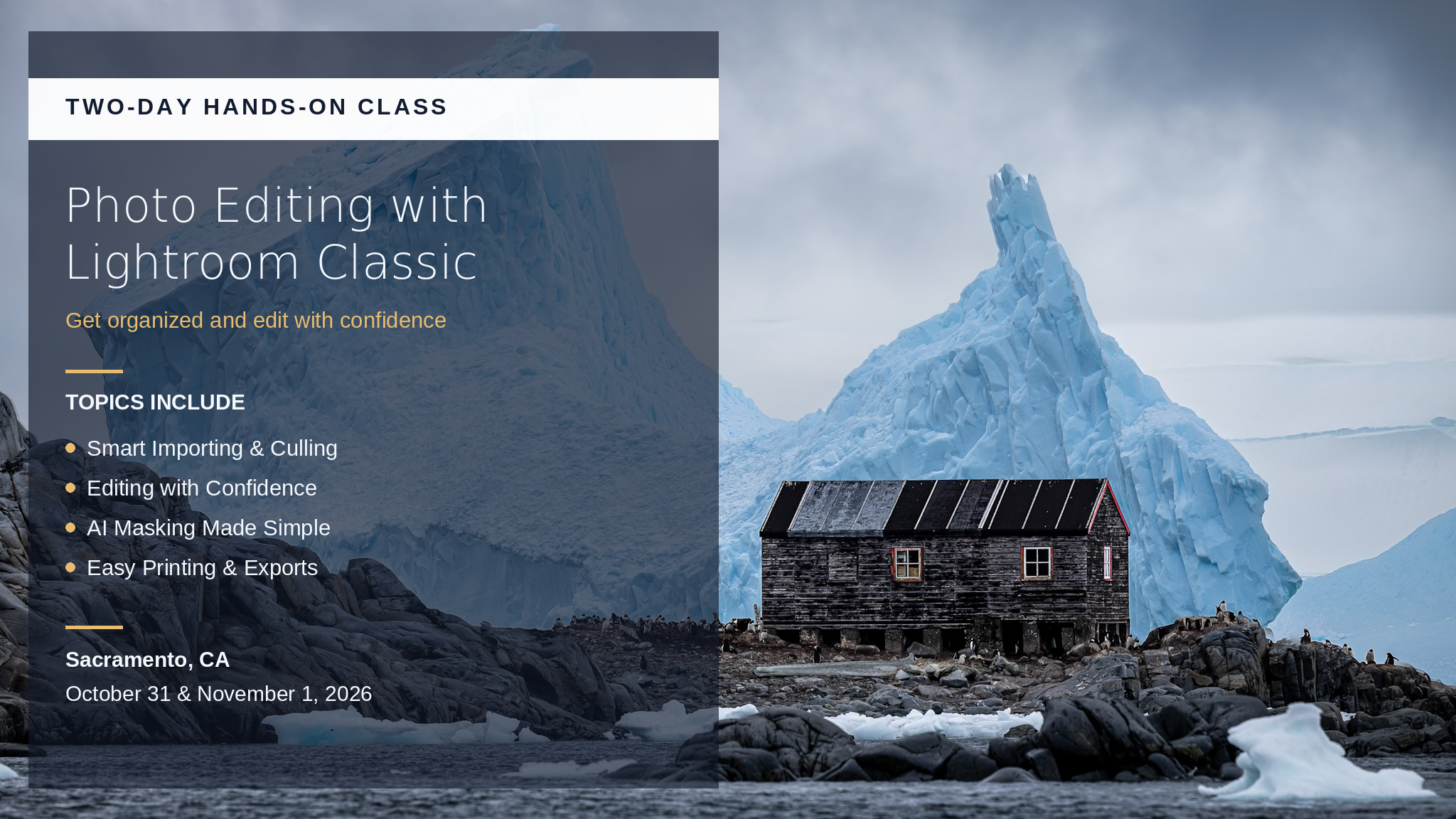
Lightroom Classic Hands-On Class
Two full days of Lightroom Classic, taught the way I always teach it. Practical, approachable, no jargon for the sake of it. We'll build a complete workflow from the ground up, and you'll walk out with a system you can actually stick to.
This is hands-on learning. Bring your laptop with Lightroom Classic installed (Adobe offers free trials if you need one), and you'll have plenty of time to work on your own photos during class. We'll go from importing and organizing all the way through editing with confidence and exporting for print, web, and social.
What You'll Learn
Set up your catalog the right way
Import without the guesswork
Build previews that speed up culling
Cull fast with flags and star ratings
Keywords and collections that find photos fast
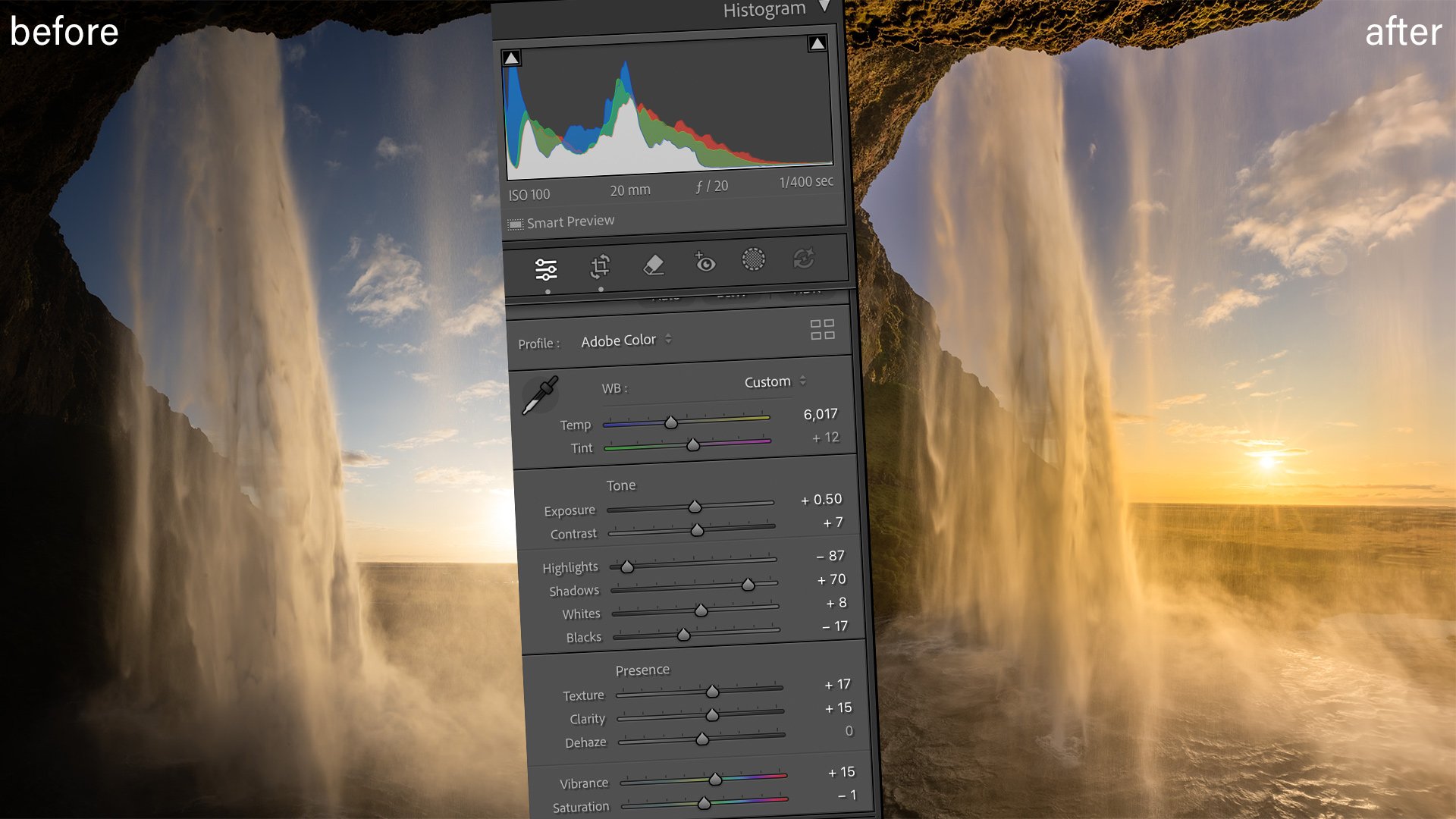
A full tour of the Develop module
Dial in color, tone, and contrast
Local edits with masks, brushes, and gradients
Straighten horizons, fix lens and perspective
One-click AI masking for skies and subjects
AI denoise and retouching for cleaner shots
Use presets, then build your own
Merge HDR for high-contrast scenes
Stitch panoramas
Export for print, web, and social
Who This Is For
Anyone who wants a faster, cleaner Lightroom workflow. Total beginners are welcome. So are folks who've been winging it in Lightroom for years and know they're missing stuff.
No prior Lightroom experience is necessary. I've been teaching Lightroom for over 15 years, and I've worked with photographers of every level. Class size is small so you get personalized attention and can ask questions without falling behind.
The Details
Location: Gold River / Sacramento, CA area (specific address provided at registration)
What to Bring: Your laptop with Lightroom Classic installed. I'll provide all the sample files you'll need.
What's Not Included: Lodging, meals, transportation, or software costs. (Adobe offers free trials if you need one.)
Class Size: Small group only, so spots are limited. Early registration is recommended.
See the FAQ below for more details. Questions? Email toby@mckaylive.com
Photo Editing with Lightroom Classic & Photoshop
Two full days of Lightroom Classic and Photoshop, taught the way I always teach it. Practical, approachable, no jargon for the sake of it. We'll build a complete editing workflow from the ground up, and you'll walk out with a system you can actually stick to. Pick your best shots fast, edit them with confidence, and move between Lightroom and Photoshop without the guesswork.
This is hands-on learning. Bring your laptop with Lightroom Classic and Photoshop installed, and you'll have plenty of time to work on your own photos during class.
Lightroom Classic Topics Covered
Getting comfortable in Lightroom
Installation and catalog setup
Best practices for importing your photos
Staying organized
Understanding collections
A deep dive into the Develop module
Editing with presets, masks, and brush tools
Efficient use of Lightroom's new AI tools
Creating HDR images and panoramas
Best export settings for print, web, and social
Round-trip editing with Photoshop
Photoshop Topics Covered
Layers and masks explained simply
Editing in Camera Raw
Healing and Content-Aware Fill
Sharpening and blur
Making Photoshop work for you
Who This Is For
Anyone who wants a faster, cleaner editing workflow. Total beginners are welcome, and no prior experience with Lightroom or Photoshop is required. So are folks who've been winging it for years and know they're missing stuff. I've been teaching Lightroom for over 15 years and worked with photographers of every level. Class size is small, so you get personalized attention and can ask questions without falling behind.
Schedule
Saturday, Oct 31: 9am start, with an early finish in the mid-afternoon so you have time for Halloween.
Sunday, Nov 1: 9am to 4pm.
Time is set aside for a lunch break each day.
Location
Gold River / Sacramento, CA area. The exact address is provided after registration. Closest airport is Sacramento International (SMF).
Pricing
$499, with a launch sale price of $489. Class size is small, so spots are limited and early registration is recommended.
Lodging
Lodging is not included in the course price. There are several hotels in the area, and a list of recommended properties goes out after you register. If you'd like a roommate, we're happy to help match you up.
What's Not Included
Lodging and transportation
Personal expenses like meals and beverages
Computer or software costs
Frequently Asked Questions
What if I'm new to editing?
This class is designed to teach you even if you've never opened Lightroom or Photoshop. You'll learn a ton in just two days.
Do I need to own Lightroom and Photoshop?
No. Adobe offers a free 7-day trial of both programs. This class is built to get you started from scratch, so no prior experience is required.
What if I own a different version of Lightroom?
There are a few versions out there: Lightroom CC, Lightroom Classic, and older Lightroom 6. About 90% of what we cover applies to all recent versions of Lightroom Classic. If you have Lightroom CC, you may find parts of the first day frustrating, since the organization tools work quite differently.
Still have a question? Email toby@mckaylive.com.


